How to design an indoor navigation guide for shopping malls by zones and floors
Learn how to organize zones, floors, landmarks and store data so your visitors get where they need to go quickly and your tenants can keep information up to date.
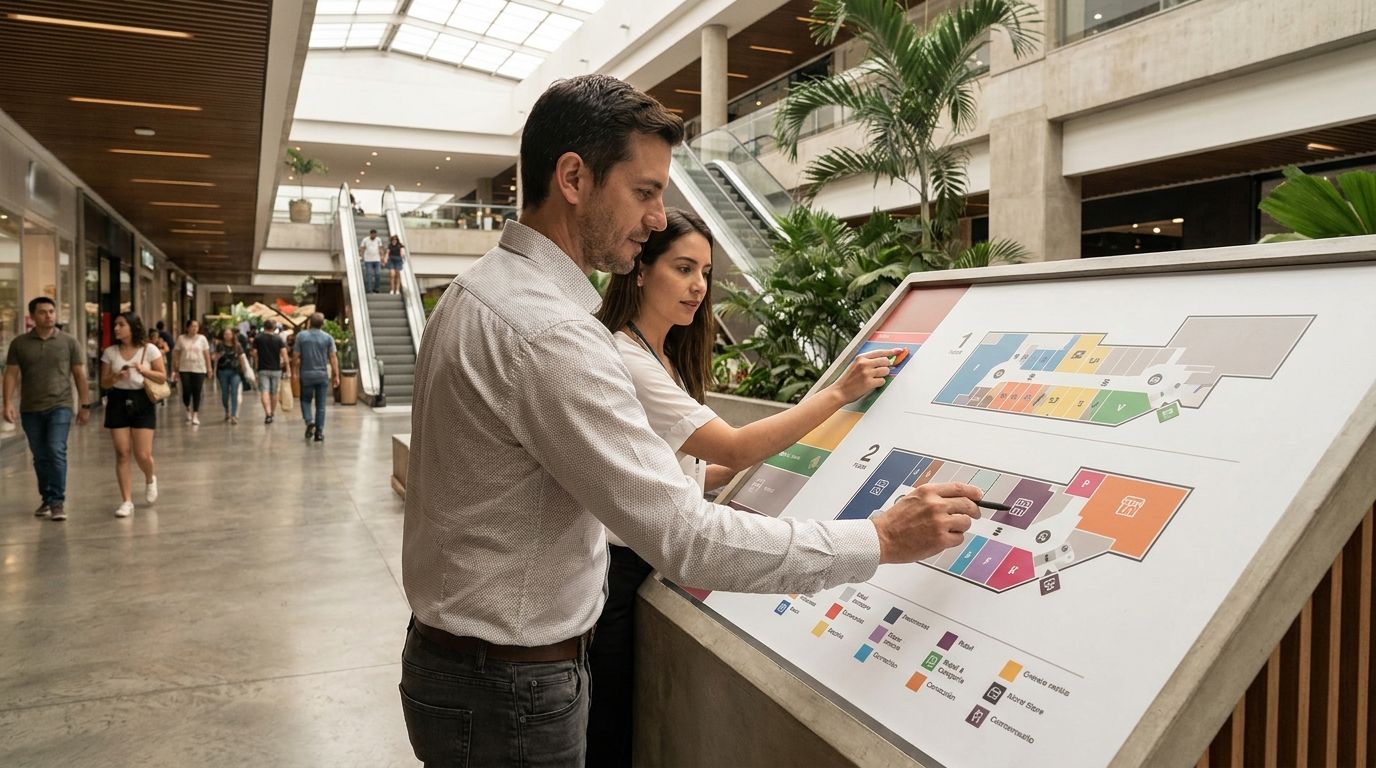
At 6:20 p.m., a family enters Albrook Mall through the food court entrance looking for a shoe store on the upper floor. The father checks his phone, the mother asks where the elevator is, and the son already wants to leave. An indoor navigation guide for shopping malls solves that moment by turning zones and floors into clear, visible, up-to-date directions.
The thesis is simple: a good guide does not start with a beautiful map. It starts with a reliable structure of zones, floors, stores, landmarks, and possible routes. When that foundation is properly built, visitors find what they are looking for, the mall reduces repeated questions, and every tenant has a listing they can keep up to date.
What an indoor navigation guide needs to solve
An indoor navigation guide must answer one specific question: "How do I get from where I am to the store I'm looking for?" To answer it, it needs to know the starting point, the current floor, the zone, and the destination. If any one of these details is missing, the user ends up improvising with a map that seems clear only to someone who already knows the mall.
That is why it is useful to design the experience around real tasks. Someone scans a QR code in a hallway, selects a zone and a floor, searches for a store by name, or asks for directions from their location. They do not need to learn the architecture of the place. They need to keep moving without stopping every twenty meters.
Before drawing screens or hiring technology, define what decisions the visitor needs to make:
- Identify which zone or floor they are on.
- Find a store by name, category, or brand.
- See whether the store is open and how to contact it.
- Receive step-by-step directions from a known point.
- Confirm that they have reached the correct destination.
The design must also serve the management team. Administration needs to know what information changes, who reviews it, and how promotions are approved. The visitor sees a simple guide. Behind it, there must be an equally simple process for keeping it accurate.
In Panama, this matters because a shopping mall may have entrances connected to parking lots, towers, hallways, stairs, elevators, and areas with names that the public uses informally. "Near the carousel" may be more useful to a family than "sector C2." The guide must translate both references without forcing anyone to guess.
How to divide the shopping mall by zones and floors
The division by zones and floors is the backbone of navigation. A zone should represent a space that visitors can recognize or reach. Zones that are too small force users to choose between nearly identical options. Grouping everything under "floor 1" removes the references that help people orient themselves.
Start with a physical inventory. Walk through every floor and record entrances, stairs, elevators, restrooms, information points, food courts, children's areas, cinemas, and main hallways. Do it from the perspective of someone arriving for the first time, not from the office where the floor plan always seems obvious.
A useful structure may include:
- Floor, with the number and the name used by the public.
- Zone, with visible boundaries and a landmark.
- Destination, such as a store, restaurant, service, or attraction.
- Connections, such as an elevator, staircase, bridge, or exterior entrance.
- Restrictions, such as hours, temporary closures, or unavailable routes.
Imagine a visitor who enters through the Elephant Entrance at Albrook Mall and is looking for a pharmacy on the upper floor. Telling them "go up to the second floor and look for the north zone" may not be enough. A better instruction would be: "From the Elephant Entrance, walk toward the central hallway, take the elevator next to the bank, and when you exit on the second floor, follow the signs to the health zone."
The zone needs a consistent name, but it can also have familiar references. If visitors identify part of the mall as the "cinema zone," record that term as a related search. This way, the guide respects both the official organization and everyday language.
Try a simple test: give the outline to someone who does not work at the mall. Ask them to find four destinations from different entrances. Every question that comes up points to a poorly defined zone, a missing landmark, or an instruction that needs fewer words.
How to create a reliable inventory of stores and tenants
Wayfinding breaks down when the store inventory is out of date. A store that has moved, a restaurant with special hours, or a business that appears twice can create more frustration than having no guide at all. The map matters, but each tenant listing is what sustains trust.
Define a minimum listing for each establishment. It should include the approved business name, category, area, floor, location, hours, phone number or WhatsApp, available link, and operating status. If the shopping center publishes offers, add a section for the promotion, validity period, terms, and the code the store can show at the register.
It is helpful to establish clear responsibilities:
- The tenant proposes or updates its operational information.
- The tenant relations team reviews changes and requests corrections.
- Management approves sensitive publications, such as promotions or location changes.
- The provider or responsible team publishes the approved version.
A store should not have to rely on a lost email to correct its hours. Give it a practical way to keep its own listing up to date, with mall controls before publishing changes. Pasillo, for example, allows each store to maintain its information and publish promotions with a code, while the shopping center approves changes and charges for the plans on its tenants’ monthly statements.
Consider the case of "Casa del Café, floor 2, central area." If the business opens at 7:00 a.m. Monday through Friday but at 9:00 a.m. on Sundays, that difference should appear without forcing visitors to call. If the WhatsApp number belongs to a specific branch, the listing should make that clear.
To prevent errors, create a monthly review and an extraordinary review whenever there are moves, renovations, or operator changes. Also review the names people use when searching. "Italian restaurant" and "pasta" may lead to the same location even if the official listing uses a different name.
How to design step-by-step directions that actually work
Instructions should describe observable actions. "Head to the shopping area" is too broad. "Walk to the staircase next to the cinema entrance, go up one floor, and turn right" lets people act without additional interpretation.
A useful direction has four elements: starting point, action, visible landmark, and next decision. You do not need to write a novel. Each step should help confirm that the person is still on the correct route.
Use concrete verbs and stable landmarks:
- Walk, turn, go up, go down, cross, enter, or continue.
- Name an entrance, staircase, elevator, fountain, or information desk.
- Indicate the floor before asking for a turn.
- Explain what the person should see after each section.
- Avoid references that change frequently, such as a temporary exhibit.
Suppose Laura arrives at Multiplaza Panamá through the parking lot and is looking for a technology store on the third floor. A clear route might say: "From the parking lot access point, follow the signs to the main elevator. Go up to the third floor. When you exit, walk toward the restaurant area and turn left after the sporting goods store." The route gives her confirmation points, not just an arrow.
You should also design for people with different needs. A route with stairs is not suitable as the only option for someone with a stroller or reduced mobility. Mark elevators, ramps, accessible restrooms, and possible temporary obstacles. If a connection is unavailable, the guide should offer an alternative or provide a warning before the journey begins.
Test the directions at different times. A route that works mid-morning may feel confusing during a busy evening, when there are lines, activations, or temporary furniture. The team must verify that landmarks remain visible and that changes are communicated quickly.
How to connect the guide with QR codes and physical channels
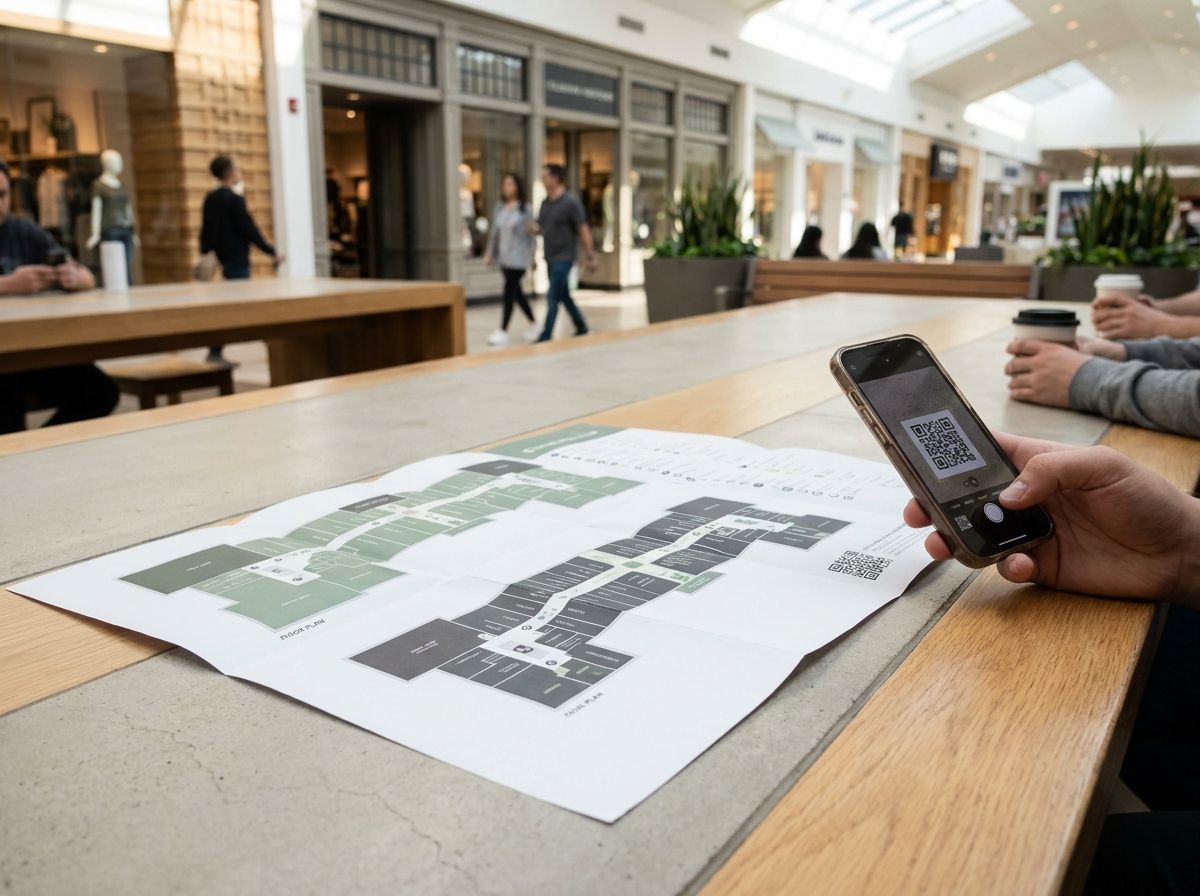
A digital guide works best when it appears exactly where visitors need it. A QR code at an entrance, on a column or in a hallway reduces the initial effort. Visitors scan it, choose their zone and floor, search for their destination and get directions without installing an app.
But the code should not be the only sign. Place it next to a brief instruction, with enough contrast and at a comfortable height for scanning. The wording can be direct: "Scan to find a store and get directions". Do not fill the sign with text. Visitors are already walking and are probably carrying bags.
Installation points deserve a specific review:
- Entrances from parking areas and public transportation.
- Elevator and stair cores between floors.
- Intersections where visitors often stop.
- Information areas and food court entrances.
- Hallways connecting zones with different names.
In the case of Albrook Mall, a visitor may enter from a parking area, walk through a long corridor and change floors before reaching their destination. The QR code should open a guide that explains where the route begins. If the visitor scans it in a hallway, the system should let them choose that zone instead of assuming they are at the main entrance.
Do not hide the alternatives. Some people will prefer to ask security or the information staff. The guide should complement that service, not replace it. Train the team to say: "Scan this code, select the floor you are on and search for the store by name". Consistent wording can reduce lengthy explanations in the hallways.
Measure the performance of each location. Track scans, searches, routes started and most frequently consulted destinations. A QR code next to an elevator with many restaurant searches may point to an opportunity to improve the signs along that connection.
How to keep the guide up to date and measure its value
The work does not end when the guide is published. A shopping center changes every week: stores open, businesses move, special hours, renovations, events and promotions. Updating should follow a routine rather than depend on someone noticing an error by chance.
Define a change matrix. Each piece of data should have an owner, a review frequency and someone who approves publication. Hours may be reviewed more often than zone descriptions. A move requires immediate updates to the map, listing, directions and any printed material showing the former location.
You can organize monitoring around these indicators:
- Percentage of listings reviewed during the month.
- Average time to approve a change.
- Number of stores with incomplete hours.
- Searches with no results or duplicate results.
- Routes started that end at a corrected location.
- Scans by entrance, floor and zone.
Analytics should not become a collection of numbers without decisions. If "shoe store" is a frequent search and leads to no results, review categories, alternate names and tags. If many people search for a store from the same entrance and abandon the route, review the starting point and the directions.
Staff feedback also matters. Security, cleaning and customer service hear the same questions every day. No one knows the blind spots along the route better than the guard who stopped counting how many times people ask where the third-floor restroom is. Ask them to record specific phrases, such as "where is the elevator to floor 3?" or "is this store still here?" These questions reveal problems that digital metrics do not capture.
Conduct a physical audit every quarter. Walk the most frequently used routes, scan codes on different phones and confirm hours with several tenants. If an error appears, correct it with an owner and a date. Not with a general promise. The guide becomes more valuable when it shows that it can recover quickly.
How to Start a Project in Phases
You do not need to digitize the entire shopping center in a single week. A well-chosen pilot produces more useful learnings than a huge launch with incomplete data. Choose a set of floors and areas that has traffic, a variety of tenants, and routes that typically generate questions.
During preparation, gather updated floor plans, a list of stores, hours, entrances, vertical connections, and landmarks. Then validate the route by walking it. The architectural plan shows walls and access points; the real experience shows where people stop, get confused, or ask questions.
A work plan can move forward as follows:
- Week one: physical inventory, official names, and data review.
- Week two: definition of areas, floors, categories, and main routes.
- Week three: uploading listings, QR codes, and testing with visitors.
- Week four: error correction, training, and controlled publication.
- After launch: monthly review and quarterly physical audit.
Test with specific cases. Ask four people to find destinations such as "pharmacy from the parking lot," "family restaurant from the movie theater," "clothing store on another floor," and "accessible restroom from the food court." Observe when they stop. Do not explain the route while they are testing it, because then you would be measuring your ability to help, not the clarity of the design.
Also define what is outside the first phase. You can start with navigation by areas and floors without promising exact positioning within each corridor. It is better to correctly indicate "from this entrance" than to show a precise location that no one can verify.
The marketing team can use the same structure for campaigns. A promotion should indicate the store, floor, area, validity period, and code. This way, the offer helps visitors find their way and does not remain an isolated post that requires another search.
The next step is to bring management, operations, marketing, and tenant relations together for a 90-minute session. Leave with a map of areas, one person responsible for each type of data, and five priority routes to test. That document is the real beginning of your indoor navigation guide.
FAQ
What information does an indoor navigation guide need to work?
It needs areas, floors, entrances, vertical connections, landmarks, store locations, and routes between points. It also requires updated hours and statuses so visitors are not directed to a closed or relocated store.
The information needs to have owners. The tenant can maintain its listing, while the shopping center reviews and approves changes before publishing them.
Is it necessary to install an app to use the guide?
No. A guide that works in the browser can be opened from a QR code or a link. This reduces the effort for occasional visitors and keeps the shopping center from depending on each person downloading an app.
The experience should load quickly and explain the route with simple instructions. If it requires too many steps before showing the destination, it will lose its usefulness in the corridors.
How should the areas of a shopping center be named?
Use names that are stable, visible, and recognizable to the public. You can combine the official name with everyday references, such as "central area, near the movie theater," as long as the reference does not change frequently.
Validate the names with visitors and customer service staff. If an area can only be understood within the administrative office, it needs another name or an additional explanation.
Who should update store data?
The store should be able to maintain its own operational data: hours, WhatsApp, description, and promotions. The shopping center should review changes, approve publications, and control information that affects general navigation.
A process with responsible people and deadlines prevents errors from sitting in an inbox. It also makes it possible to measure how long it takes for a correction to reach the visitor.
How do you measure whether the guide is working?
Measure searches, routes started, destinations viewed, scans by location, and searches with no results. Combine this data with questions recorded by security, information, and customer service teams.
The most useful indicator is not just how many people opened the guide. It is whether they found the destination with fewer questions and whether store information remained up to date.
Start tomorrow with a real route. Choose an entrance, a floor, and a store that receives many questions. Walk it, write down each instruction, verify the data with the tenant, and test the QR code with someone who does not know the shopping center. Then repeat the exercise in another area. This is how you turn a static map into a guide that supports the journey and improves with every correction.
Join the conversation
Subscribe to comment
Join Pasillo's newsletter to leave a comment and get new posts in your inbox.